Best AI Email Organizers in 2026 (Tested and Compared)
Written by Viraj Pandit
Here is the thing nobody selling you an inbox organizer wants to say: a perfectly organized inbox is still an inbox full of work. You can label every message, bundle every newsletter, and route every receipt into its own folder, and at the end of it you have exactly as many emails to answer as when you started. They are just arranged more neatly.
That does not make organizing useless. It makes it a means rather than an end. The useful question is not which tool has the prettiest labels, it is how much work each one actually removes. Some cut the noise before it reaches you. Some sort and label. Some rank what needs you today. And a few skip arranging altogether and just deal with the mail.
We build an email agent at Inboxaly and test this category closely, so we have run these tools on live Gmail and Outlook inboxes. This guide sorts them by how much they take off your plate, so you end up with the one that fits your actual problem.
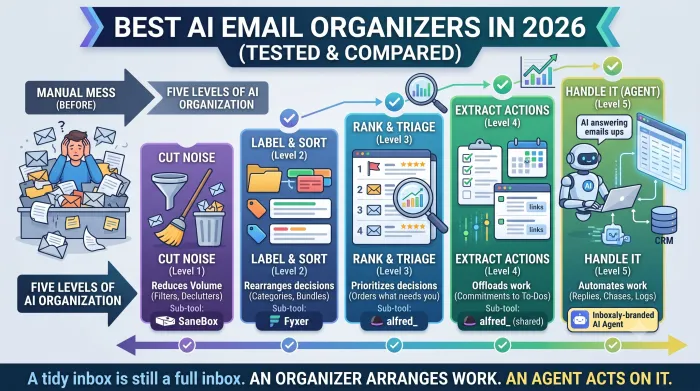
The five levels of inbox organizing
Almost every tool marketed as an AI email organizer sits at one of five levels. Knowing which level you need saves you from buying the wrong category entirely.
Level 1, cut the noise. Reduce what reaches you at all, by filtering low-value mail out of the inbox and unsubscribing in bulk. Clean Email, SaneBox, and Leave Me Alone live here.
Level 2, label and sort. Read each message and file it: priority labels, categories, bundles of related mail. Gemini in Gmail, Copilot in Outlook, Fyxer, and Jace do this.
Level 3, rank and triage. Rather than folders to check, hand you an ordered list of what needs you today. Shortwave, Superhuman, and alfred_ work at this level.
Level 4, extract the actions. Pull the commitments and to-dos out of your threads so the work leaves the inbox and enters a list you can actually run.
Level 5, handle it. Skip the arranging. Read the mail, reply using your rules, chase what stalls, and log what matters. Inboxaly, Carly, and Lindy sit here.
Levels 1 through 4 organize your work. Level 5 does it. That is the whole map, and it is the distinction the other roundups leave out.
The trap of over-organizing
Before you buy anything, a warning worth taking seriously: organizing can become the problem it was meant to solve.
Every new folder is a new place to check. Tools that split your mail into six smart categories have not reduced your workload, they have replaced one inbox with six of them, and now you scan all six because you do not fully trust the sorting. Filters misfire, an invoice lands in the wrong bucket, and you go back to checking everything by hand, which is precisely where you started.
A useful test before you add a tool: will this reduce the number of decisions I make, or just rearrange them? Sorting mail into folders you still have to open is rearranging. A ranked list of the five things that need you today is a reduction. Mail that is already answered is elimination. Aim as far down that list as your situation allows.
AI email organizers compared
The column that matters most is whether the tool arranges your work or removes it.
| Tool | Level | Arranges or removes | Works in | Price |
|---|---|---|---|---|
| Inboxaly | 5, handles it | Removes | Gmail, Outlook, M365, Yahoo, Zoho, IMAP | $49/mo |
| Carly | 5, handles it | Removes | Gmail, Outlook | $35/mo |
| alfred_ | 3 to 4, ranks and extracts | Mostly arranges | Gmail, Outlook | $24.99/mo |
| Shortwave | 2 to 3, labels and ranks | Arranges | Gmail only | See note below |
| Fyxer | 2, labels and drafts | Arranges | Gmail, Outlook | $30/user/mo |
| Superhuman | 3, split inbox | Arranges | Gmail, Outlook | $25 to $30/user/mo |
| SaneBox | 1, cuts noise | Reduces volume | Any IMAP | $7/mo |
| Clean Email | 1, bulk cleanup | Reduces volume | Any IMAP | Low-cost sub |
| Gemini in Gmail | 2, labels and summarizes | Arranges | Gmail, Workspace | Included in most plans |
| Copilot in Outlook | 2, labels and summarizes | Arranges | Outlook, M365 | M365 add-on |
Pricing verified mid-2026. Shortwave restructured its plans in 2026, with paid tiers commonly cited between roughly $14 and $30 per seat and conflicting reports on whether the permanent free tier still exists. Confirm current rates on each vendor's page.
Level 1: tools that cut the noise
The cheapest win in email is mail that never arrives.
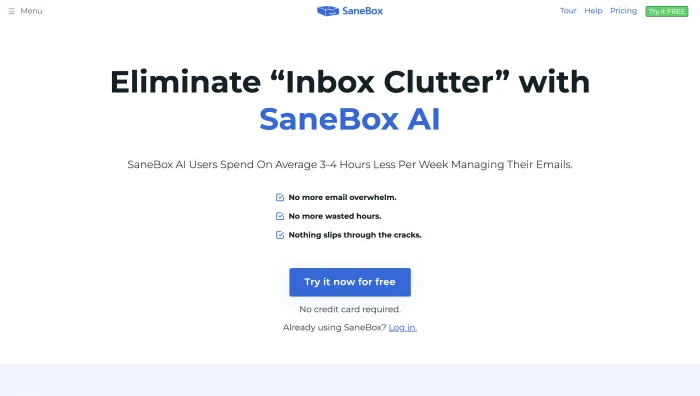
SaneBox learns from your behavior, who you open and answer, and routes unimportant mail into a separate folder, on any provider over IMAP, from $7 per month. It is the most established option and genuinely good at its one job. Its limit is built in: it sorts, it does not draft, rank, or chase.
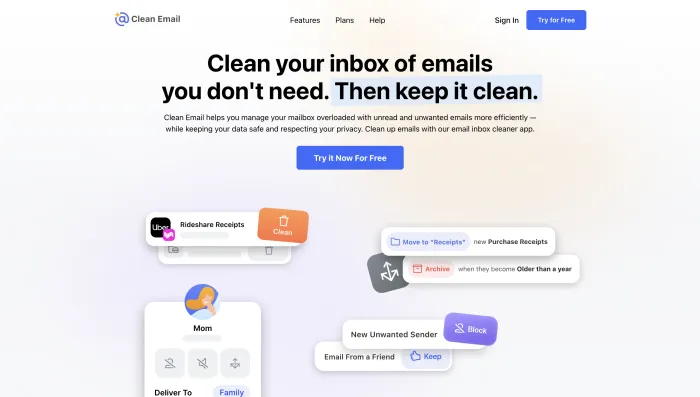
Clean Email takes the bulk approach, grouping mail so you can archive, delete, and unsubscribe in large batches, across any provider on a low-cost subscription. It carries around 4.5 out of 5 across roughly 3,300 user reviews. It is rule-based decluttering rather than AI judgment, which makes it predictable and cheap.
Gmail's own Priority Inbox deserves an honest mention. It already prioritizes important mail for free, and Gmail adds snoozing and follow-up nudges natively. If filtering is genuinely all you need, you may already have it.
Worth knowing: cutting noise pairs well with everything else. Many people clear volume first, then add a tool for what remains.
Level 2: tools that label and sort
This is where most "AI email organizer" tools actually sit.
Gemini in Gmail summarizes threads and drafts replies inside the inbox you already use, and Google began surfacing summary cards at the top of longer threads in the Gmail mobile app from May 2025. For Workspace users it is included in most plans, which makes it the lowest-friction starting point. Copilot in Outlook does the equivalent for Microsoft 365, as a paid add-on. Both help you write and read faster without reducing what you handle.
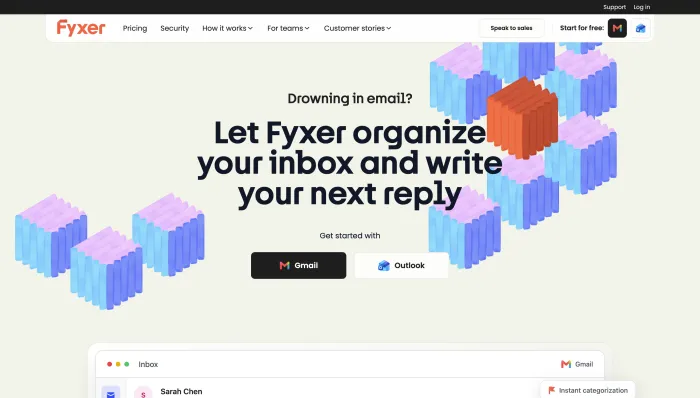
Fyxer sits on top of Gmail or Outlook, sorts your inbox into categories like To Respond and FYI, drafts replies in your voice, and takes meeting notes, from $30 per user per month. Fyxer reports over 350,000 inboxes organized and that 81.2% of users save at least an hour a day. The catches are real: the categories are fixed and cannot be renamed, mislabeling happens, and volume-based overage fees apply. We cover it fully in our Fyxer AI review.
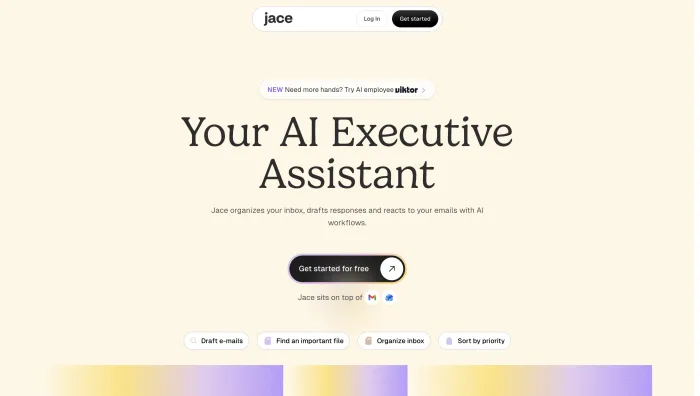
Jace applies labels, categorizes automatically, and enables bulk actions across Gmail and Outlook, on a credits model that makes monthly costs harder to predict.
Level 2 is a real improvement over an unsorted inbox. It is also where the over-organizing trap bites hardest, since you end up with more categories and the same amount of work.
Level 3: tools that rank and triage
Ranking beats labeling, because a list is shorter than a folder system.
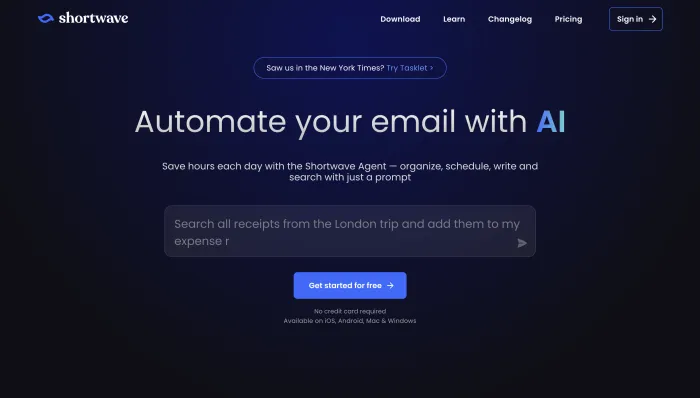
Shortwave, built by ex-Google Inbox engineers, is the most AI-native Gmail client available. It bundles related mail, applies AI labels, summarizes threads, and offers natural-language search across your history, so you can find a thread by describing it rather than remembering keywords. It is Gmail-only, which rules it out for Outlook users, and its pricing changed in 2026, so check the current tiers before committing.
Superhuman takes the speed route: a split inbox separates important mail from newsletters, and everything is keyboard-driven, at $25 to $30 per user per month. It makes you faster at your own inbox rather than smaller.

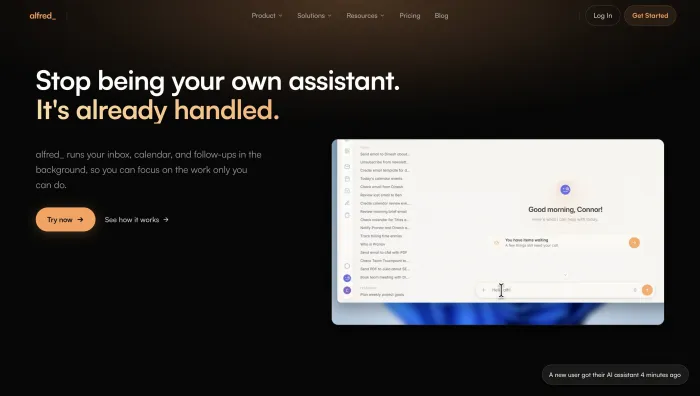
alfred_ is the value pick at this level, at a flat $24.99 per month with no per-seat fees. It triages by urgency, drafts in your voice, extracts tasks including commitments you made inside a thread, manages your calendar, and delivers a morning brief across Gmail and Outlook. That task extraction pushes it into Level 4, which is why it does more for the money than most tools here. You still press send.
For a deeper look at how ranking works and why it beats labeling, see our guide to AI email triage.
Level 5: tools that handle it
If the honest diagnosis is that your inbox is a volume problem, no amount of organizing fixes it. The tools at this level do not arrange your work, they do it.
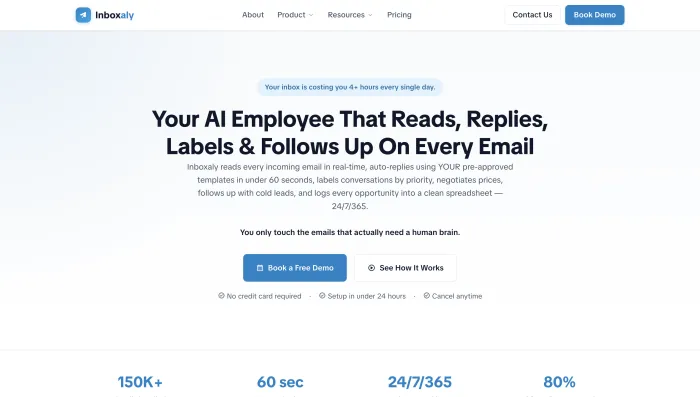
Inboxaly is an autonomous email agent for business inboxes with high, repetitive volume. It reads incoming mail, classifies it by sender, intent, and urgency, applies priority labels, and then acts: it drafts replies from your own templates and either sends them or holds them for review (your choice, per category), runs timed follow-up sequences that chase stalled threads, negotiates within pricing boundaries you set, routes VIP contacts straight to you, and logs new leads to a self-updating sheet. It connects to Gmail, Google Workspace, Outlook, Microsoft 365, Yahoo, Zoho, or any IMAP inbox, which is wider than almost anything else here.
The honest limits: it is not an email client, so it will not replace your Gmail or Outlook window, and it is built for repeatable business mail rather than bespoke one-off correspondence. If every message you receive needs original thought, an agent is the wrong tool and a fast client is the right one. From $49 per month.
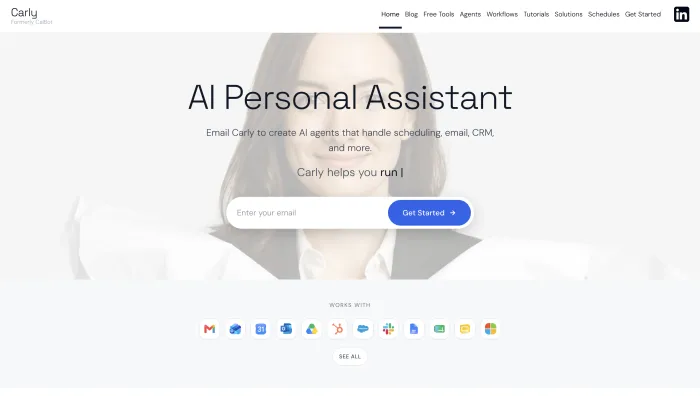
Carly is an agent you instruct by email, at $35 per month. Give a named agent plain-English rules and it reads a thread, acts across your connected tools, and sends, through Gmail or Outlook, with no app to open.
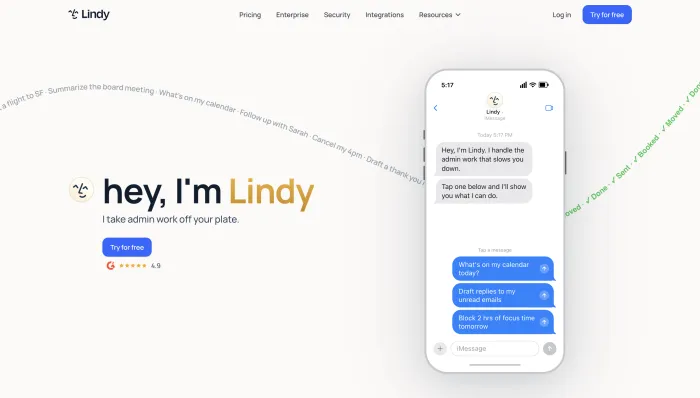
Lindy is a broader no-code agent platform that triages, drafts in your voice, and coordinates across thousands of apps, pinging you over chat, from $49.99 per month plus credit-based usage that can climb with heavy workflows.
Our guide to AI email agents covers how this category works in depth.
The access trade-off nobody mentions
Here is the honest tension in this category: the more work a tool takes off your plate, the more access to your mailbox it needs. A bulk unsubscriber needs to see your senders. An agent that replies on your behalf needs to read your mail and send as you. That is not a reason to avoid automation, but it is a reason to choose carefully.
What to check before you connect anything. Does it use OAuth, so you never hand over a password? Is your data encrypted in transit and at rest? Does the vendor train public models on your email, and can you opt out? Does anyone at the company read your inbox? And does it hold recognized credentials such as SOC 2 Type II or align with GDPR?
For reference on what good looks like: Inboxaly connects through OAuth rather than a password, encrypts data in transit and at rest, has no human on its team reading your inbox, is built around SOC 2 Type II and GDPR-aligned standards, and lets you undo any automatic reply within 60 seconds or pause the agent with one click. Whatever tool you choose, ask for that standard of answer before you grant access.
Matching the tool to your problem
Name the problem first, then pick the level.
If your inbox is loud but manageable once you find the real mail, stay at Level 1: SaneBox or Clean Email, or Gmail's free Priority Inbox. If you want summaries and drafts without changing tools, Level 2 native AI, Gemini or Copilot, is likely already in your plan. If you want a genuinely better inbox to work in, Level 3: Shortwave for Gmail, Superhuman for speed across both, alfred_ for a ranked list plus a brief at the lowest price. If you share an inbox with a team, look at collaboration platforms like Front, Hiver, or Gmelius rather than a personal organizer.
And if you are honest that the mail itself is the problem, not its arrangement, go to Level 5. An agent that replies, chases, and logs is the only category that leaves you with fewer emails than you started with. For the full field of AI email tools tested side by side, see our guide to the best AI email assistants of 2026, and for the wider approach, our guide to AI email management.
Setting up an AI email organizer
Whatever level you land on, the path is the same. Connect the tool to Gmail or Outlook and grant only the permissions it needs. Tell it what matters, your key clients, your priorities, your templates. Let it work for about a week, correcting what it gets wrong, since almost every tool here learns from your behavior and is noticeably better on day seven than day one. If the tool can act on your behalf, start in draft-only mode and turn autonomy up one category at a time.
Resist the urge to build an elaborate structure on day one. Start with the simplest setup that reduces decisions, and add only what earns its place.
Frequently asked questions
What is the best AI email organizer? There is no single best, because the tools solve different problems. For cutting noise, SaneBox or Clean Email. For labels and summaries inside your inbox, Gemini or Copilot. For a ranked list and drafts, alfred_ or Shortwave. For handling the mail rather than arranging it, an agent like Inboxaly.
Can AI organize my inbox automatically? Yes. Once connected to Gmail or Outlook, AI organizers label, bundle, and prioritize incoming mail on their own, and improve as you correct them. The more capable tools go further and reply, follow up, and log leads, which reduces your workload rather than rearranging it.
Is there a free AI email organizer? Gmail's Priority Inbox and Gemini in Gmail are included with most Google accounts and Workspace plans, and Copilot is included with some Microsoft 365 tiers. Several paid tools offer trials. Free options handle labeling and summarizing well, but none of them handle your mail for you.
Does organizing my inbox actually save time? Partly. Organizing reduces the time spent finding and prioritizing mail, which is real but limited, since the emails still need answering. The larger savings come from tools that eliminate work rather than arrange it, by cutting volume at Level 1 or handling routine replies at Level 5.
Is it safe to give an AI access to my inbox? It depends on the vendor. Look for OAuth rather than password sharing, encryption in transit and at rest, a clear policy against training public models on your mail, no human access to your inbox, and credentials such as SOC 2 Type II. Start with limited autonomy and expand as you build trust.
What is the difference between an AI email organizer and an AI email agent? An organizer arranges your mail: labels, folders, summaries, priority. An agent acts on it: it replies, follows up, and logs, so the work is done rather than sorted. An organizer leaves you with a tidy inbox. An agent leaves you with a smaller one.
The bottom line
Most AI email organizers arrange your work. A few remove it. That is the only distinction that matters when you are choosing.
If your problem is noise, cut it at Level 1 with a filter, and you may not need to spend more. If you want a better inbox to work in, Level 3 ranking beats Level 2 labeling every time, because a list is shorter than a folder system. But if the real problem is that there is simply too much mail, be honest about it, because no organizer solves that. Labeling an email does not answer it.
If your inbox is mostly repetitive business mail, inquiries, follow-ups, and leads that need logging, the tool worth reaching for is not a tidier set of folders. It is an agent that handles the mail so the folders stop mattering.