Best AI Email Assistant for Gmail (2026)
Written by Sanya Goyal
Gmail has the widest AI-tool support of any email platform, which flips the usual question. For Gmail, it is not what works, it is which is best. Almost every AI email tool connects to a Google account, and a few of the strongest were built specifically for it.
This is the tested shortlist, from the native Gemini option to the AI-native clients, autonomous agents, and team tools that work with Gmail, grouped by what you actually want each to do.
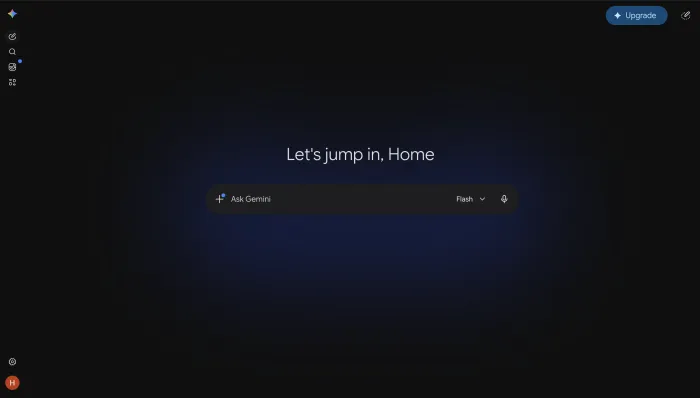
Gemini: the native Gmail option
If you already pay for Google Workspace, Gemini is the lowest-friction starting point. It is built into Gmail and drafts replies, summarizes threads, and pulls context from Drive and Calendar without a separate tool. The most capable features require a paid Workspace add-on, so check what your plan includes. Like any native assistant, it helps you write faster but leaves the reading and deciding to you.
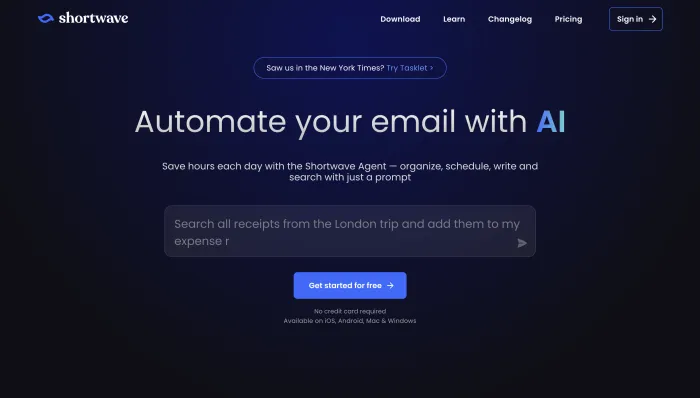
Shortwave: the best AI-native Gmail client
Shortwave, built by ex-Google engineers, reimagines Gmail as an AI-native inbox. It bundles threads by topic, summarizes conversations, drafts in your style, and offers strong AI search across your history, plus an "Organize my inbox" button and natural-language filters that act on mail as it arrives. There is a free tier, with paid business features from around $9 per user per month. It is Gmail-only by design, which is a limitation everywhere except here.
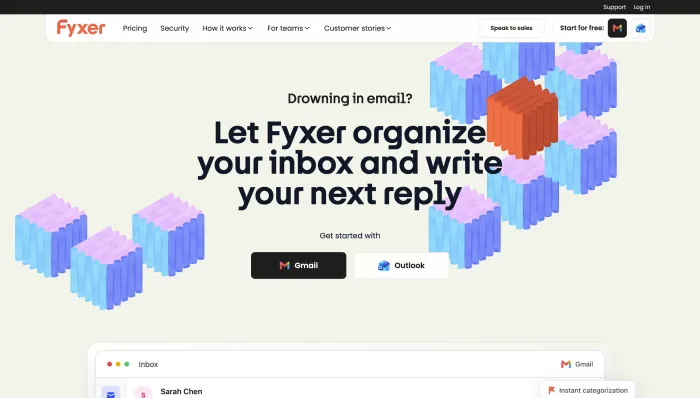
Fyxer: the best all-round Gmail assistant
Fyxer sits on top of Gmail, auto-categorizes your inbox, drafts replies in your voice, and runs an AI notetaker for your calls. It starts at $30 per user per month ($22.50 annual) with a 7-day trial and no free plan. It is a strong all-rounder, with the caveat of volume-based overage fees on busy inboxes.
Agents that handle Gmail for you
To stop processing routine mail rather than just speed through it, an agent takes the work off your plate.
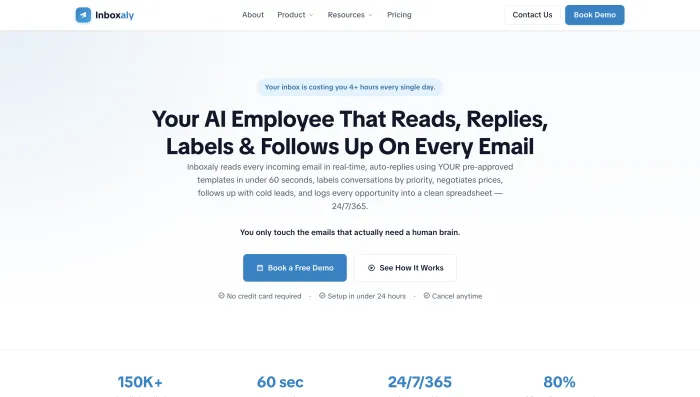
Inboxaly is an autonomous agent built for high-volume business inboxes. It reads incoming mail, replies using your own templates, runs follow-ups, and logs new leads to a spreadsheet, aimed at founders, agencies, and sales teams. From $49 per month.
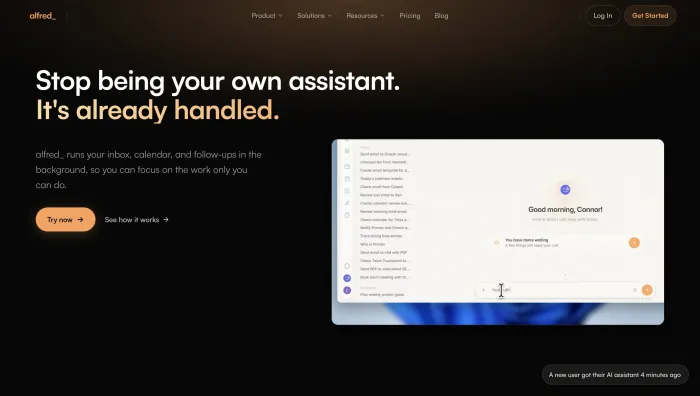
alfred_ triages your inbox by urgency, drafts replies in your voice, extracts tasks, manages your calendar, and delivers a morning brief across Gmail and Outlook. Flat pricing at $24.99 per month.
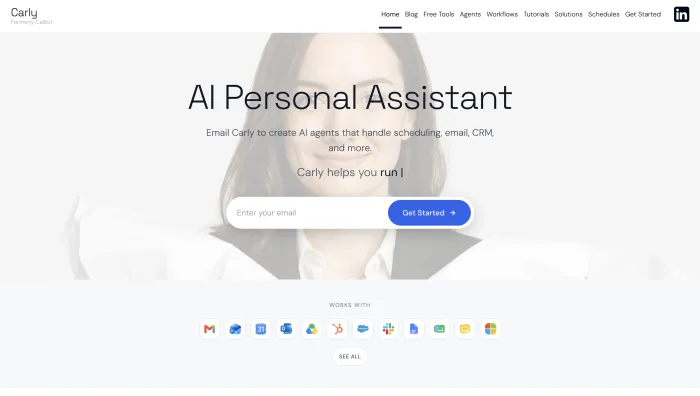
Carly is an agent you email: it reads a thread, acts across your tools, and sends, all through Outlook or Gmail with no app to open. $35 per month.
Superhuman: the fast Gmail client
Superhuman is a keyboard-first client on top of Gmail, now part of Grammarly. Its AI writes drafts in your voice, summarizes threads, and generates overnight Auto Drafts inside a very fast interface. It runs $30 to $40 per month with a 30-day trial. It makes you quicker, but you still handle every message yourself.

Gmail for teams: Gmelius and Hiver
If a team shares a Gmail address, two tools stand out. Gmelius turns Gmail into a shared workspace with AI drafting, categorization, automation rules you define, and shared inboxes, from $19 per user per month. Hiver adds a full helpdesk inside Gmail with assignment, SLAs, and an AI add-on, from $25 per user per month. Both are built around Google Workspace.
Drafting add-ins: MailMaestro and Mailbutler
For drafting help without switching your setup, both work as Gmail extensions. MailMaestro writes in your tone, length, and language and summarizes threads, with a free plan and Pro at $12 per month. Mailbutler adds AI drafting alongside tracking, scheduling, and templates, and is the one tool here that also supports Apple Mail, from around $9 per month with a free tier.
SaneBox: filtering for Gmail
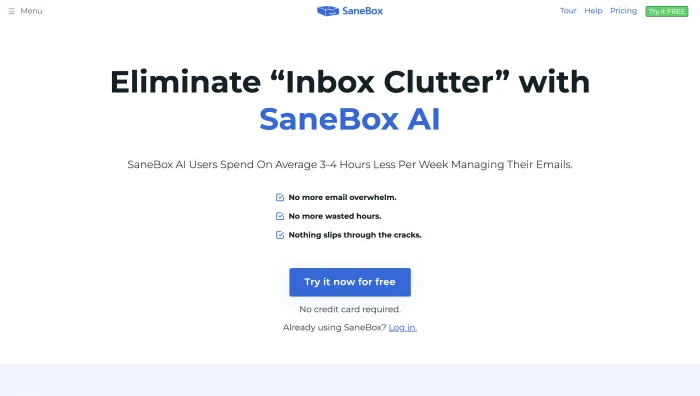
If your problem is noise rather than writing, SaneBox works with Gmail and any provider, learning your behavior to route unimportant mail out of your main inbox and track threads awaiting a reply. It sorts, it does not draft or act. Plans run $7 to $36 per month.
Choosing the right one for Gmail
Match the tool to your goal. For native and free-to-start, Gemini if you already pay for Workspace. For an AI-native inbox, Shortwave. For an all-round assistant, Fyxer. To hand routine mail off, an agent like Inboxaly, alfred_, or Carly. For speed, Superhuman. For teams, Gmelius or Hiver. For drafting only, MailMaestro or Mailbutler. For noise only, SaneBox.
For the full comparison across platforms, see our tested guide to the best AI email assistants of 2026, and for the wider approach, our guide to AI email management.
Frequently asked questions
Does Gmail have a built-in AI assistant? Yes. Gemini is built into Gmail and Google Workspace and drafts, summarizes, and replies inside the inbox. The most capable features require a paid Workspace add-on.
What is the best AI email assistant for Gmail? It depends on the job. Shortwave is the best AI-native client, Fyxer is the best all-round assistant, and agents like Inboxaly, alfred_, and Carly handle routine mail for you. Gemini is the native option for Workspace users.
Is there a free AI email assistant for Gmail? Yes. Shortwave has a free tier, MailMaestro has a free plan, and Mailbutler offers a free plan with a watermark. Gemini may be included depending on your Workspace plan.
Do AI email agents work with Gmail? Yes. Inboxaly, alfred_, Carly, and Lindy all work with Gmail, reading, drafting, following up, and acting on your inbox while you supervise.
Which is better for Gmail, Shortwave or Superhuman? Shortwave is Gmail-native and cheaper, with strong AI search. Superhuman is faster and also works with Outlook, at a higher price. Gmail-first users on a budget usually prefer Shortwave.
The bottom line
Gmail users are spoiled for choice, so the decision is about fit, not availability. The native Gemini, the AI-native Shortwave, the all-round Fyxer, and the autonomous agents cover every use case. Decide whether you want help writing, want the work handled, or just want a quieter inbox, and pick from there.
If your Gmail inbox is mostly repetitive business mail, inquiries, and follow-ups, that is exactly the work an AI email agent is built to run on its own.